> For the complete documentation index, see [llms.txt](https://docs.pline.ai/llms.txt). Markdown versions of documentation pages are available by appending `.md` to page URLs; this page is available as [Markdown](https://docs.pline.ai/getting-started/quickstart.md).
# Introduction
Pline is a browser extension that enables efficient data extraction on websites. It works on any platform as long as Chrome runs and supports extensions.
Whether you are extracting data for a one-time task or handling high-demand workflows, Pline adapts to your needs without compromising performance.
With easy installation, efficient memory use, and Chrome's secure environment, Pline streamlines data extraction with just a few simple steps.
#### **Step 1: Install Pline**
{% hint style="info" %}
Currently, Pline is only available on [Chromium-based browsers](https://www.google.com/search?q=chromium+browsers\&oq=chromium+browsers\&gs_lcrp=EgZjaHJvbWUyBggAEEUYOTIGCAEQLhhA0gEIMzkyOGowajSoAgCwAgE\&sourceid=chrome\&ie=UTF-8).
{% endhint %}
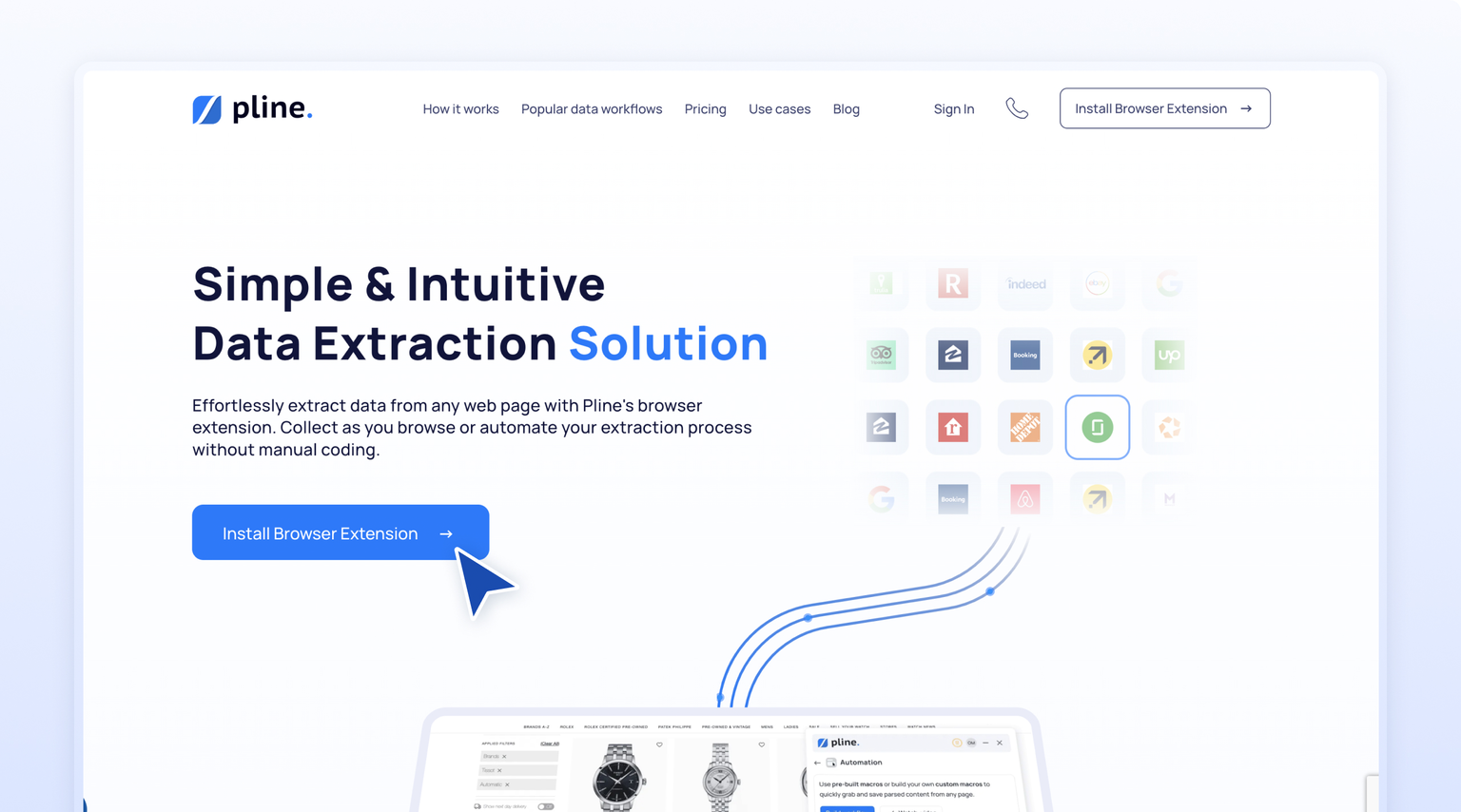
* Visit [**Pline's official website.**](https://www.pline.io/)
* Click '[**Install Browser Extension**](https://chromewebstore.google.com/detail/pline-fast-no-code-web-sc/nofglcjcdjbndpbofoplngfchpjeneii)' to be redirected to the Chrome Web Store.
#### Step 2: Add Pline to Chrome
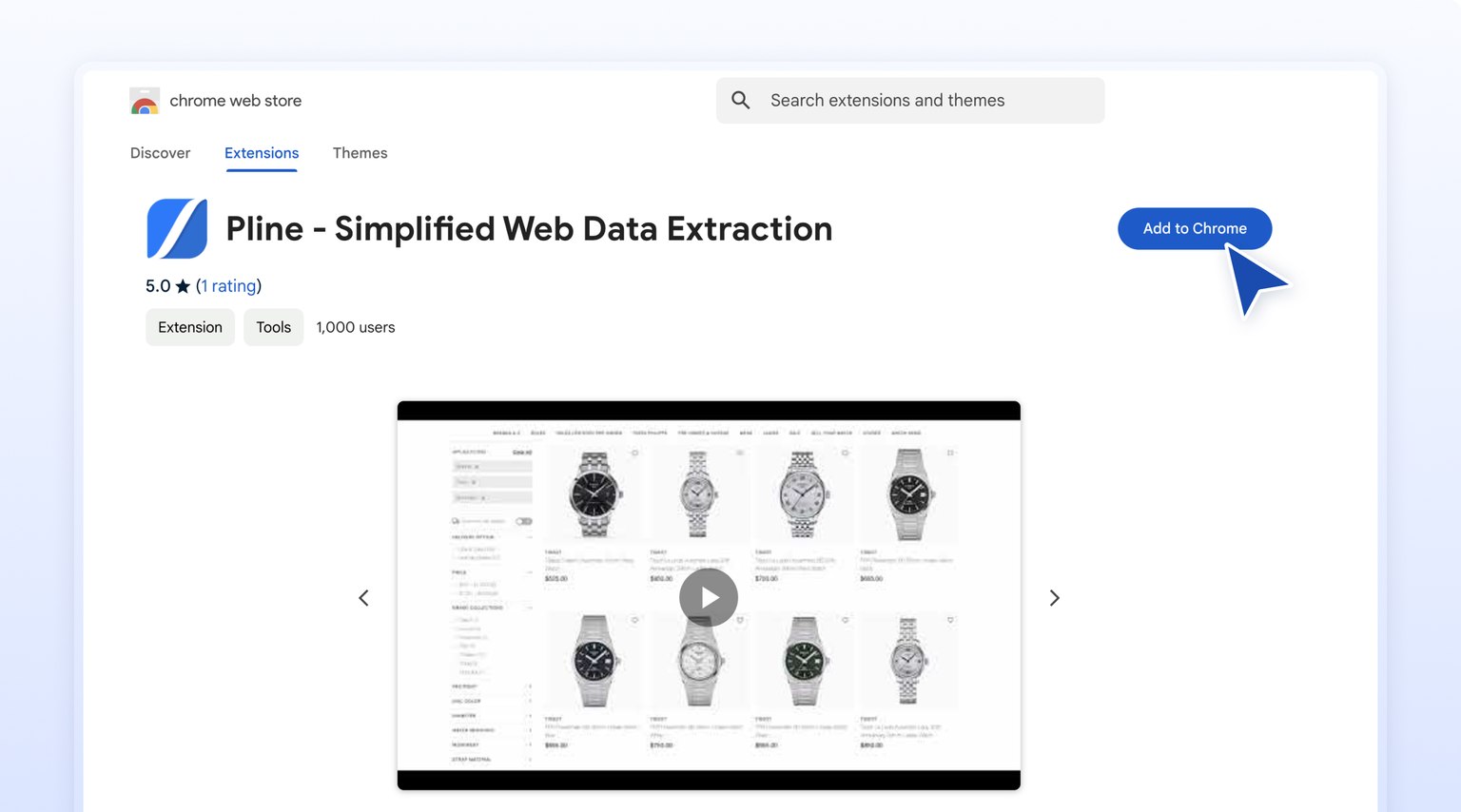
* In the Chrome Web Store, click the **‘Add to Chrome’** button to begin the download.
{% hint style="info" %}
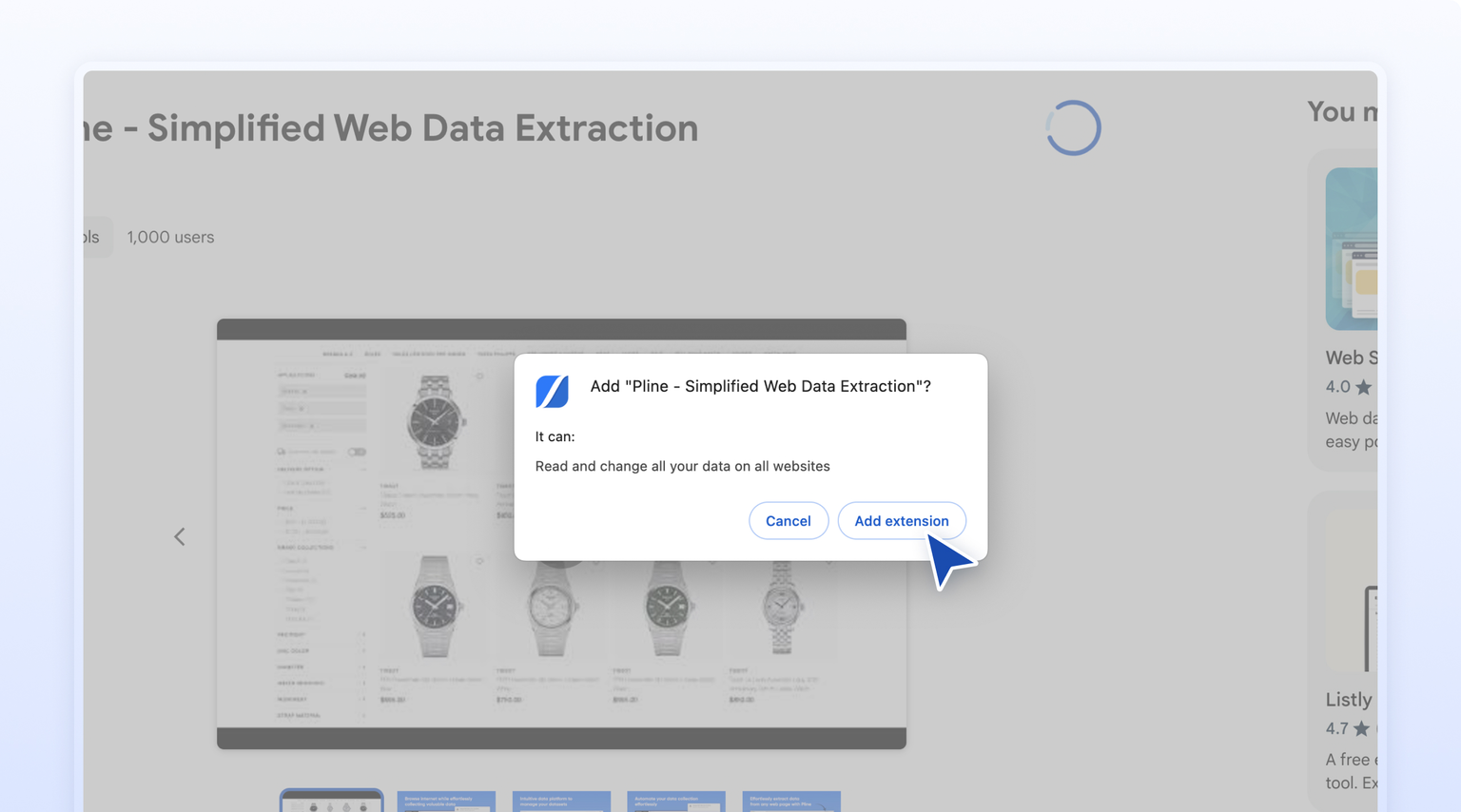
A prompt will appear to add Pline to Chrome.
{% endhint %}
* Click the '**Add Extension**' button to complete the installation.
#### Step 3: Launch the Pline Extension
* After installation, click the **Extensions** icon 🧩 in the Chrome toolbar and select **Pline** Extension.
* On first use, review the **Terms of Service** and **Privacy Policy** as needed.
* Click **‘Agree and Use Pline’** to proceed.
{% hint style="info" %}
*For quicker access, pin the Pline extension to your toolbar by clicking the pin icon next to it.*
{% endhint %}
### **You're All Set!**
Pline is now installed and ready to help you extract data efficiently. Start transforming your data workflows with ease!